Cat With Camera on Collar: What It Records and How to Fit It
Yes, collar cameras for cats exist. This guide covers what the footage looks like, why weight and balance matter, how to plan charging and storage, and how to fit one step by step.
Dana Whitfield
October 15, 2026 · 8 min read
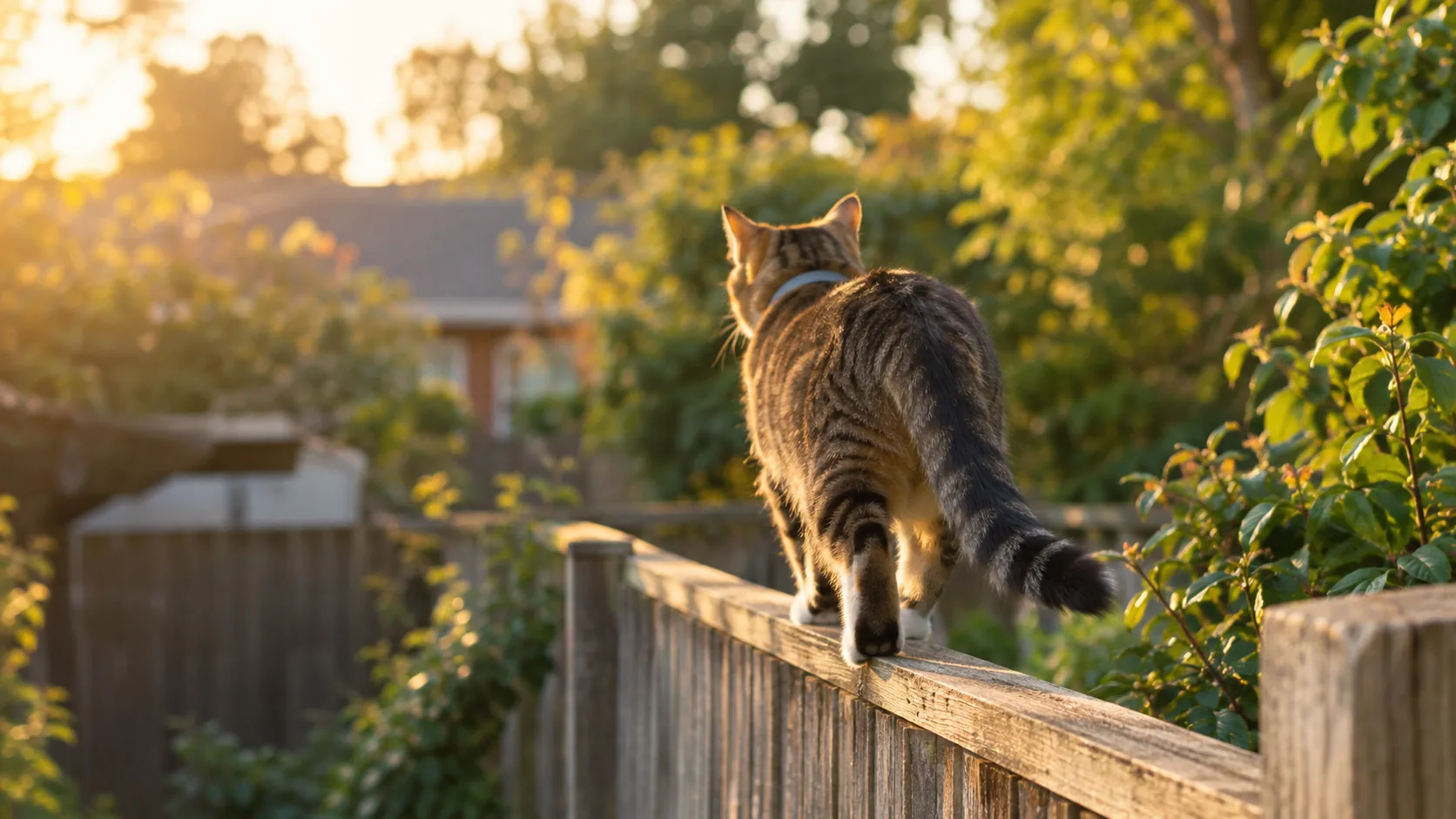
Yes, a cat with camera on collar is a real setup: a small camera clips to your cat's collar and records video from roughly cat-eye level while your cat roams. Expect shaky, low-angle footage of grass, fences, paws and whatever your cat sniffs, not a steady cinematic shot. Weight, fit and charging habits decide how well it works, so this guide covers each one before you put anything on your cat.
How a cat with camera on collar works
A cat collar camera is a small recorder that sits on the front of the collar and points forward. It saves video to the device. Your cat does the filming; you watch the clips afterward.
You can use a collar camera to answer simple questions: where does your cat go, which yards does it cross, and what happens between breakfast and dinner. It is a curiosity tool, not a security system.
It also differs from the fixed live cams some animal care centers stream. A stationary camera watches the cat, while a collar camera lets the cat show you its route.
Camera versus tracker
A camera shows what your cat saw. A tracker shows where your cat is. They solve different problems, and a camera that records video does not automatically report location. If you are shopping for a cat tracking collar with camera in one unit, or a cat collar camera with GPS, read the product details for a location feature before assuming it exists. If it is not listed, pair the camera with a separate tracker from our Trackers & Travel Carriers collection.
The same goes for a cat collar camera and tracker sold as a bundle: check what each part does, how each one is powered and how much the combined pieces weigh on the collar.
What the footage looks like
Set your expectations by the camera's height and your cat's movement. The lens sits low and moves with every step, head turn and pounce, so clips are bumpy.
- Angle: a low, forward view, mostly ground, plants, fence lines and other animals' legs.
- Motion: walking looks steady enough; running, jumping and grooming look chaotic.
- Light: daylight footage looks clearest. Dusk, shade and indoor rooms look darker and grainier.
- Sound: check whether the camera records audio at all; if it does, expect wind and collar rustle.
- Resolution: check the listed video resolution. WhiskerLens records 1080P HD video.
Expect a lot of uneventful clips and a few interesting ones. Plan to scrub through the recording rather than watch it all.
A collar camera built around these limits
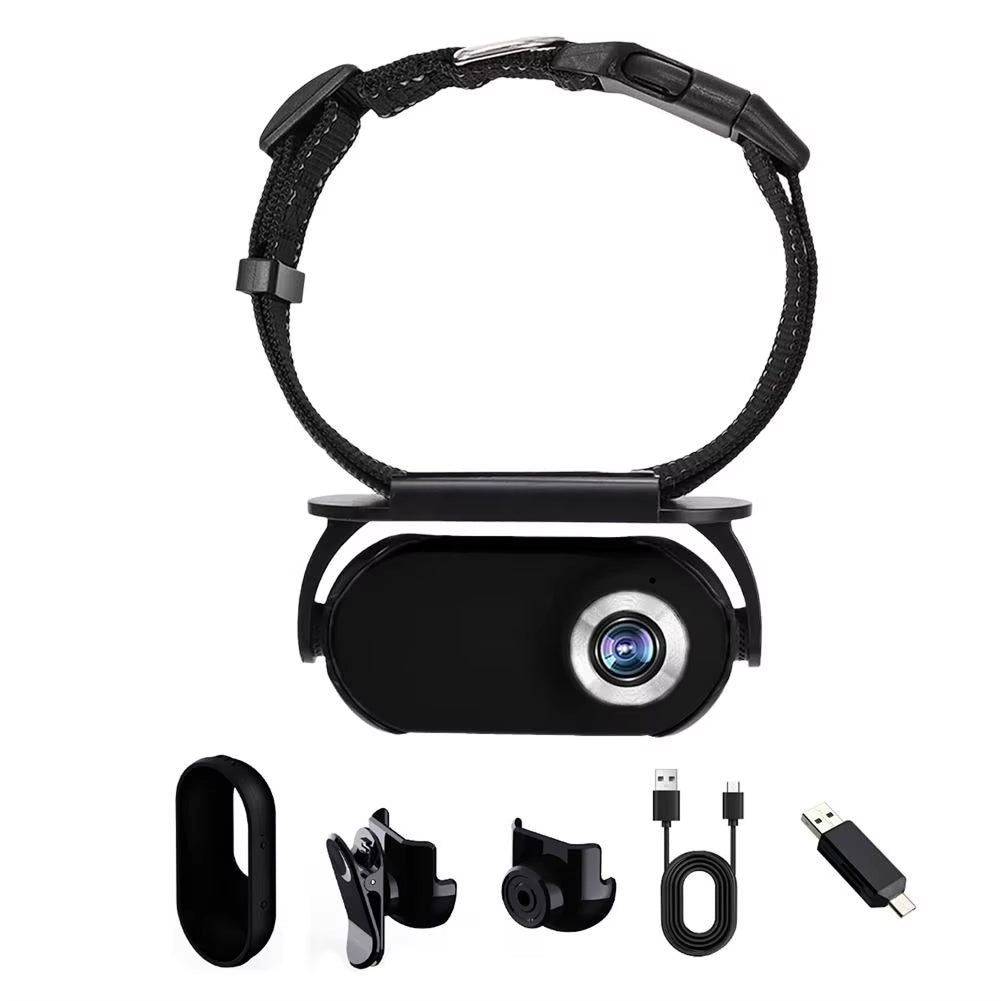
WhiskerLens is a small cat camera collar setup that records 1080P HD video from your cat's point of view. It clips onto an adjustable collar mount, has a built-in screen for playback and charges over USB-C. The lens sits at cat-eye level, and the clip sits in the center of the mount so the weight stays even.
 In this guideWhiskerLens$99.99View
Weight and balance: the part that matters most
Your cat will carry this every time it goes out, so camera weight is the first spec to check. WhiskerLens weighs 22 grams. Compare any camera you consider against your cat's size, and keep in mind that a small or senior cat may tolerate less than a large, active one.
The adjustable collar mount in WhiskerLens fits cats between 6 and 20 pounds. If your cat is outside that range, this mount is not the right match.
Why centering matters
A camera that hangs off to one side tugs the collar around the neck and tilts the lens toward the sky or the ground. A centered clip mount keeps the camera at the front, so the view stays forward and the collar stays put. Check this every time you fit it, because collars drift as cats move.
Fitting the collar and camera step by step
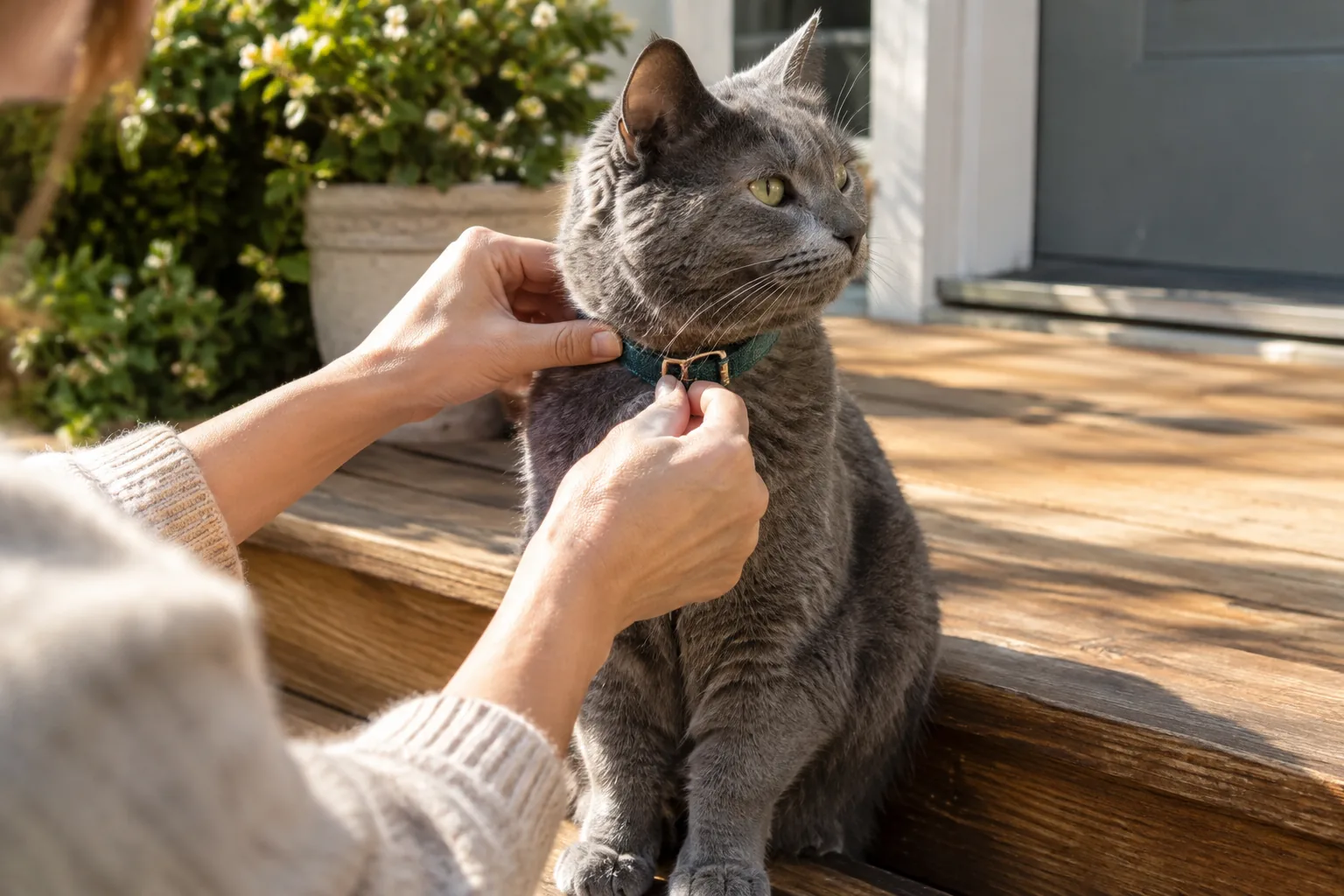
Introduce the collar first, then add the camera. Some cats object to anything new on their neck, so a rushed first attempt can make the next one harder.
| Step | What to do | What to check |
|---|---|---|
| 1. Collar only | Adjust the collar mount to your cat's neck and let your cat wear it indoors without the camera. | Your cat moves, eats and grooms normally. |
| 2. Check the fit | Slide two fingers between the collar and your cat's neck. | Snug enough to stay put, loose enough to move. |
| 3. Clip on the camera | Attach the camera to the center of the mount. No tools are needed for WhiskerLens. | The camera faces forward and sits at the front. |
| 4. Short indoor trial | Supervise your cat for a short time with the camera on. | No scratching at the collar, no hiding, no odd walking. |
| 5. First outing | Let your cat head out as usual, ideally in a familiar, enclosed or supervised area first. | Check the collar the moment your cat returns. |
Breakaway fit
Cats climb, squeeze through gaps and brush past branches, and a collar can catch. A breakaway buckle releases under strain, so check whether your collar has one. Look for a collar with a breakaway release before any unsupervised outdoor use, and do not assume one is present.
The WhiskerLens product details describe an adjustable collar mount but do not state a breakaway release, so read the Quick Start Guide and decide whether that suits your cat's outdoor habits. If you have doubts, ask your veterinarian about collar use for your particular cat.
Getting a calm cat to accept the camera
Let your cat sniff the camera before it goes on the collar, and attach it during a quiet moment such as before a meal. Keep early sessions short and end them while your cat is still relaxed. If your cat scratches at the collar or walks stiffly, remove everything and try again another day.
Field note
After a supervised session, play back the first clip on the built-in screen. If the lens points at the sky, the ground or off to one side, adjust the mount and check that the camera still sits at the center of the collar before the next outing.
Charging, storage and playback: plan for the routine
Runtime depends on the model, the settings and how long the camera records, so this guide does not promise any figure. Check the manual for your camera and build a routine around it rather than assuming it will record the whole outing.
- Charge the camera before each outing. WhiskerLens charges through USB-C, and a USB-C cable is in the box.
- Fit the camera just before your cat goes out, and plan to be around to check on your cat when it returns.
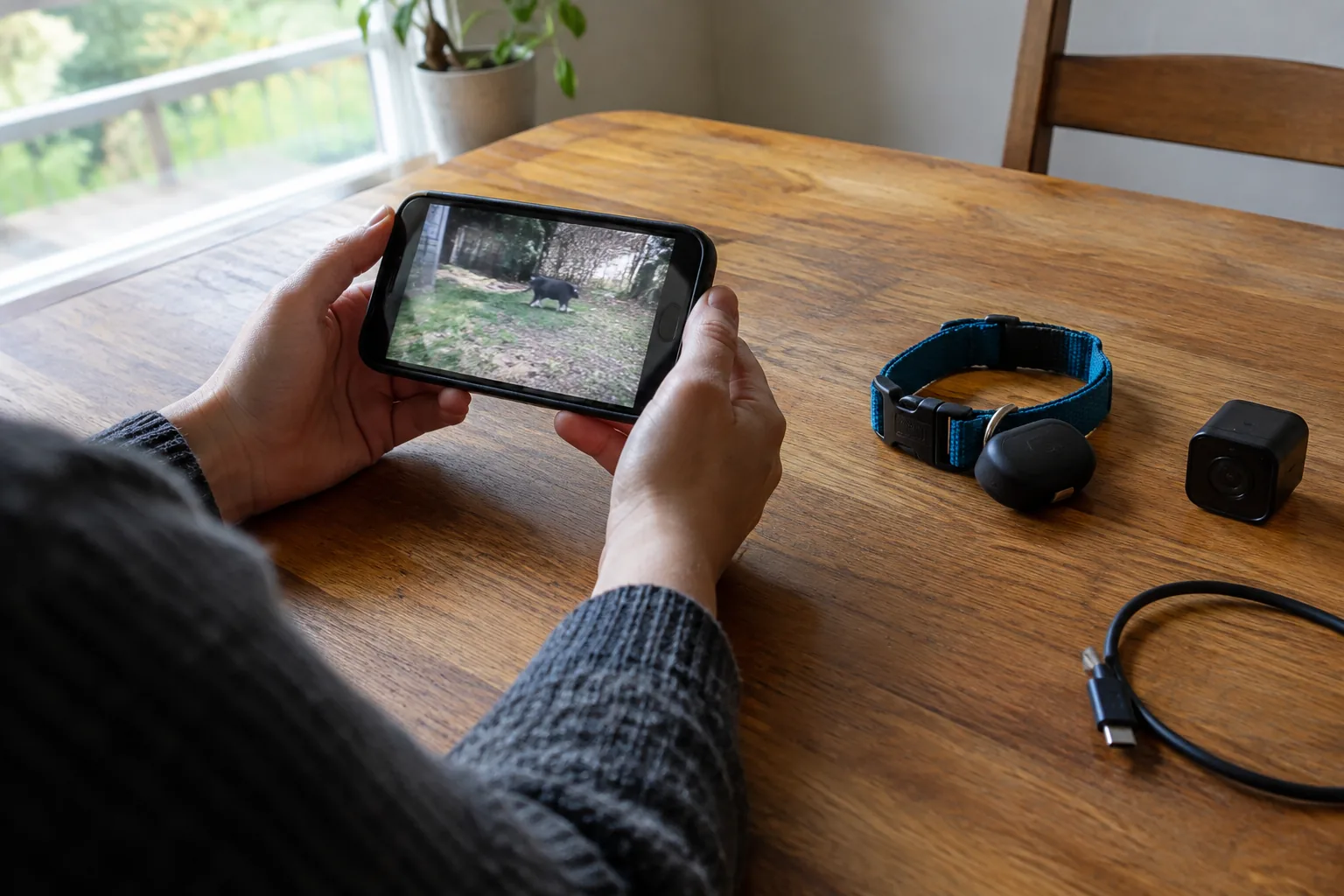
- When your cat returns, remove the camera and play back clips on the built-in screen.
- Move files you want to keep with the included OTG adapter, which connects to a smartphone or computer.
- Clear old clips so storage does not fill up before the next outing.
Playing clips back on the camera is useful because you can see what the lens recorded before your cat goes out again.
Do you need an app?
Some models rely on an app, a subscription or a removable memory card. With WhiskerLens, no app and no subscription is involved, and you do not need to remove a memory card. If you prefer a cat collar camera with app features, such as live viewing, check the listing for exactly what the app does and what it requires.
Is a cat collar camera always on?
Behavior differs by model. Read the manual to learn how recording starts and stops, and whether the camera records continuously or in clips. Do not assume it captures an entire day.
Questions to ask before you buy any collar camera
| Question | Why it matters |
|---|---|
| How much does the camera weigh? | Your cat carries it on the neck at every outing. |
| What cat weight range does the mount fit? | A mount sized for a different cat will sit badly. |
| Does the collar have a breakaway release? | It affects what happens if the collar catches. |
| How do files get off the camera? | Some need an app or a memory card; others do not. |
| Can you preview footage? | A playback screen lets you check the view before the next outing. |
| Is there a location feature? | Video alone will not help you find a cat. |
Common mistakes to avoid
- Fitting too loose. The camera swings, the footage becomes useless and the collar can catch on things.
- Fitting too tight. A cat that cannot move comfortably will paw at the collar.
- Skipping the practice sessions. A first outdoor trip is a poor time to find out your cat dislikes the camera.
- Leaving it on for long stretches. Remove the camera when your cat is home and resting, and give the neck a break from the weight.
- Expecting location data. A camera records what happened. Use a separate tracker if you need to find your cat.
- Ignoring the weather. Check the manual for guidance on rain and moisture before an outing.
- Forgetting to check the view. Preview a clip first so you do not collect an hour of sky.
Is a cat collar camera right for your cat?
It suits cats that already wear a collar calmly, go outdoors in familiar territory and fall within the weight range of the mount. It is a poor match for nervous cats, very small cats, kittens, or any cat that fights its collar.
Also think about privacy. Footage from a roaming cat can include neighbors' yards and people, so keep clips for personal use and delete what you do not need.
If your cat spends nights outside in cold weather, a shelter matters more than footage; our guide to insulating an outdoor cat house for winter covers that. Whatever you choose, follow the manufacturer's manual, watch your cat's behavior closely and stop using the camera if your cat seems bothered by it.