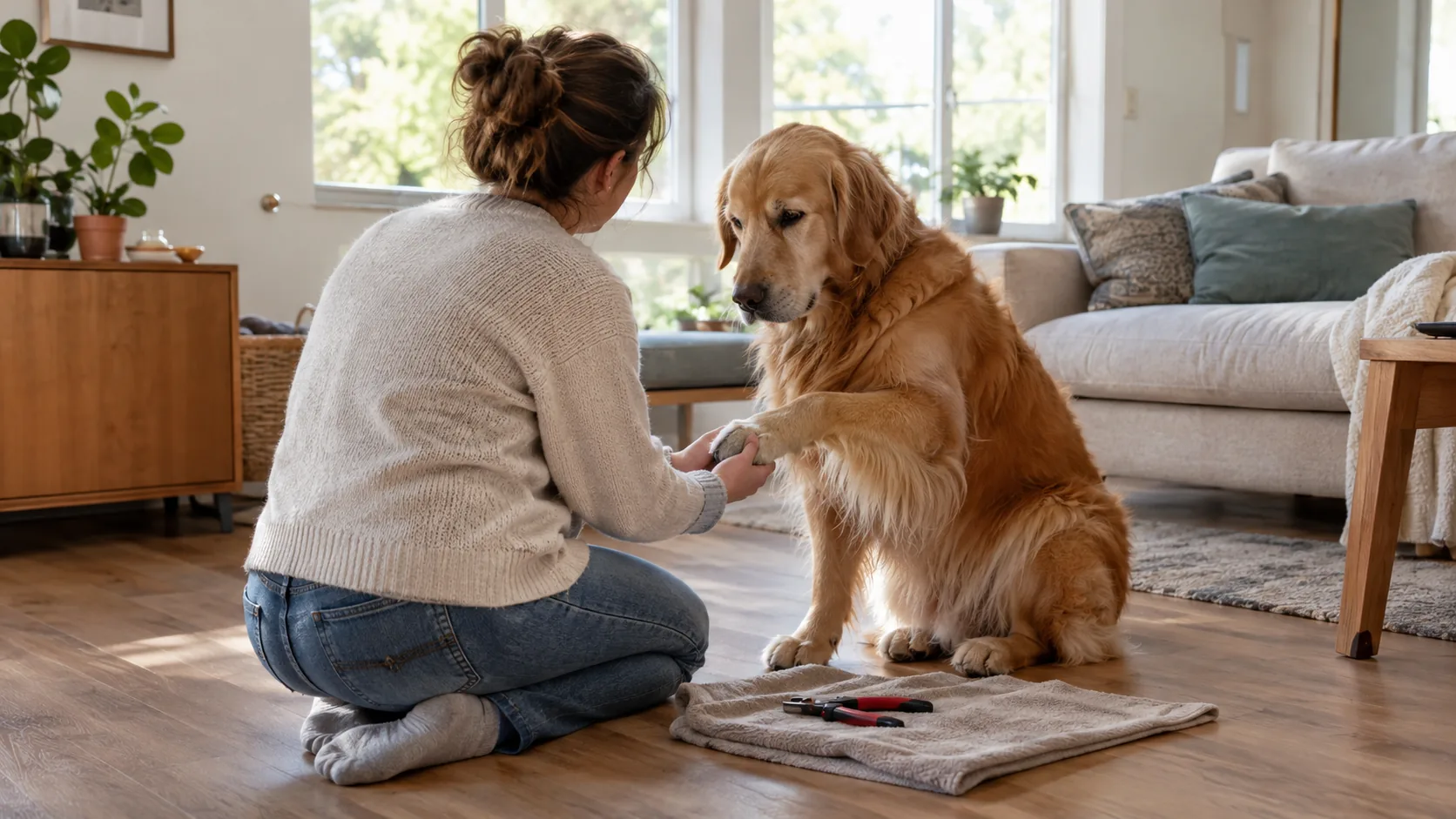
GPS and Shock Dog Collar: Combo Unit vs Two Separate Collars
A combo gps and shock dog collar puts tracking and training on one neck unit. Two separate devices let you choose each tool on its own. Here is how to decide.
Dana Whitfield
October 16, 2026 · 6 min read
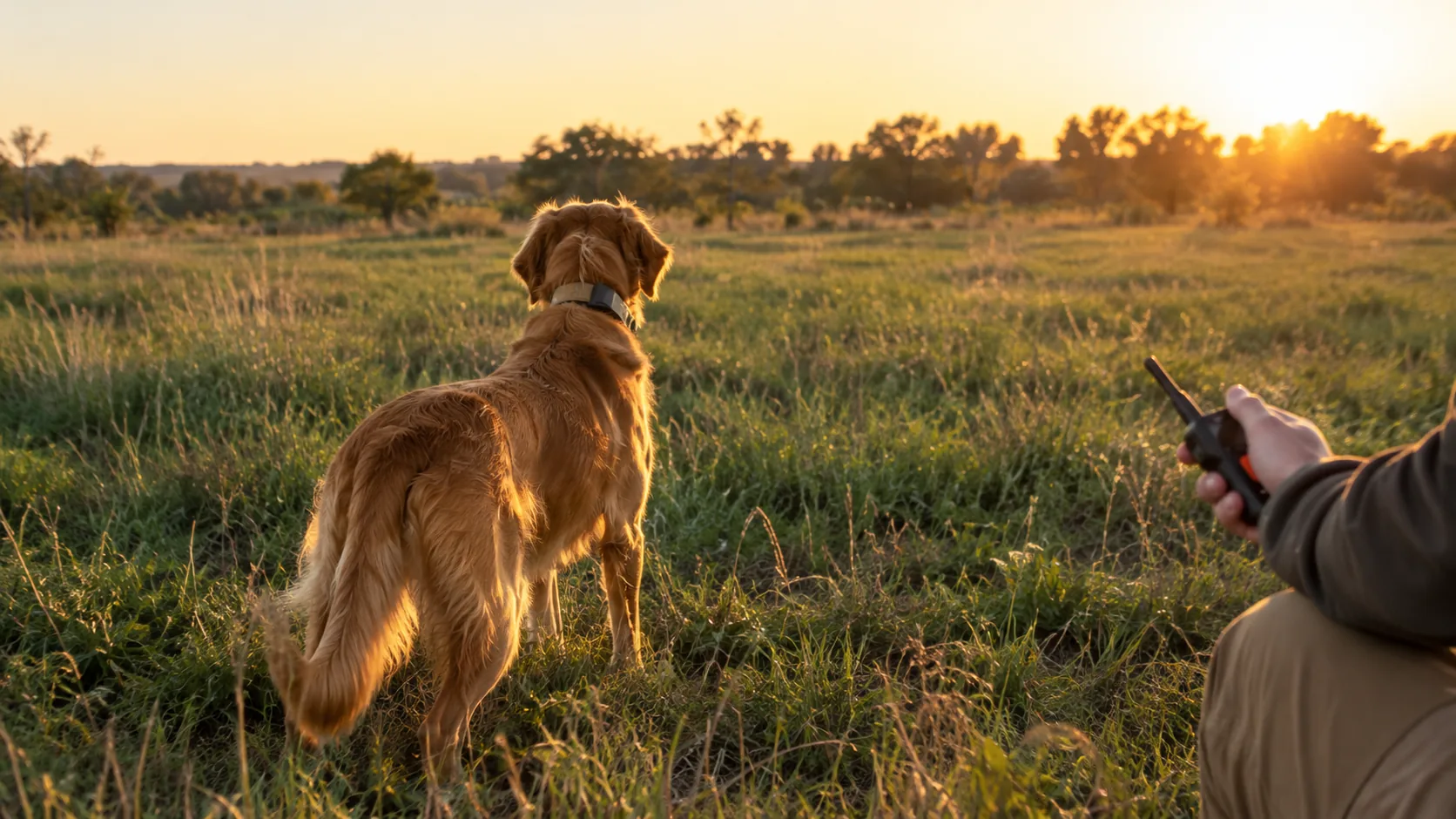
A GPS and shock dog collar combo packs location tracking and a training remote into one neck unit. Two separate devices split the jobs: one tracks, the other trains. Combos mean fewer things to charge and carry, while separate units let you choose each tool, replace one without the other, and skip the training receiver on dogs that only need tracking.
This guide compares both setups by range, battery and weight, then walks you through a decision in five steps. It also covers a point many listings skip: not every training collar uses static stimulation, and you may not need it.
What a combo collar actually is
A combo unit has a GPS tracker and a training receiver built into one housing, or into two modules on one strap. A handheld device usually shows the dog's position and sends the training cues. Some sporting-dog setups work this way, and the term dog training GPS collar describes this category.
The trade-off is a single point of failure. If the one unit needs charging, is out for repair, or does not fit your dog's neck, you lose both functions at once.
What separate devices look like
With two devices, a clip-on tracker rides on your dog's existing collar, and a training receiver sits on its own strap or the same collar. They have separate batteries, separate apps or remotes, and separate fit adjustments. You pick each one for its job.
Radio vs cellular tracking
Tracking units connect in one of two ways. Radio-based systems pair a handheld with the collar and depend on terrain and tree cover. Cellular trackers use a SIM card and depend on cell coverage where you walk. Ask which one a unit uses before you compare anything else, and check whether a monthly subscription or service plan is needed.
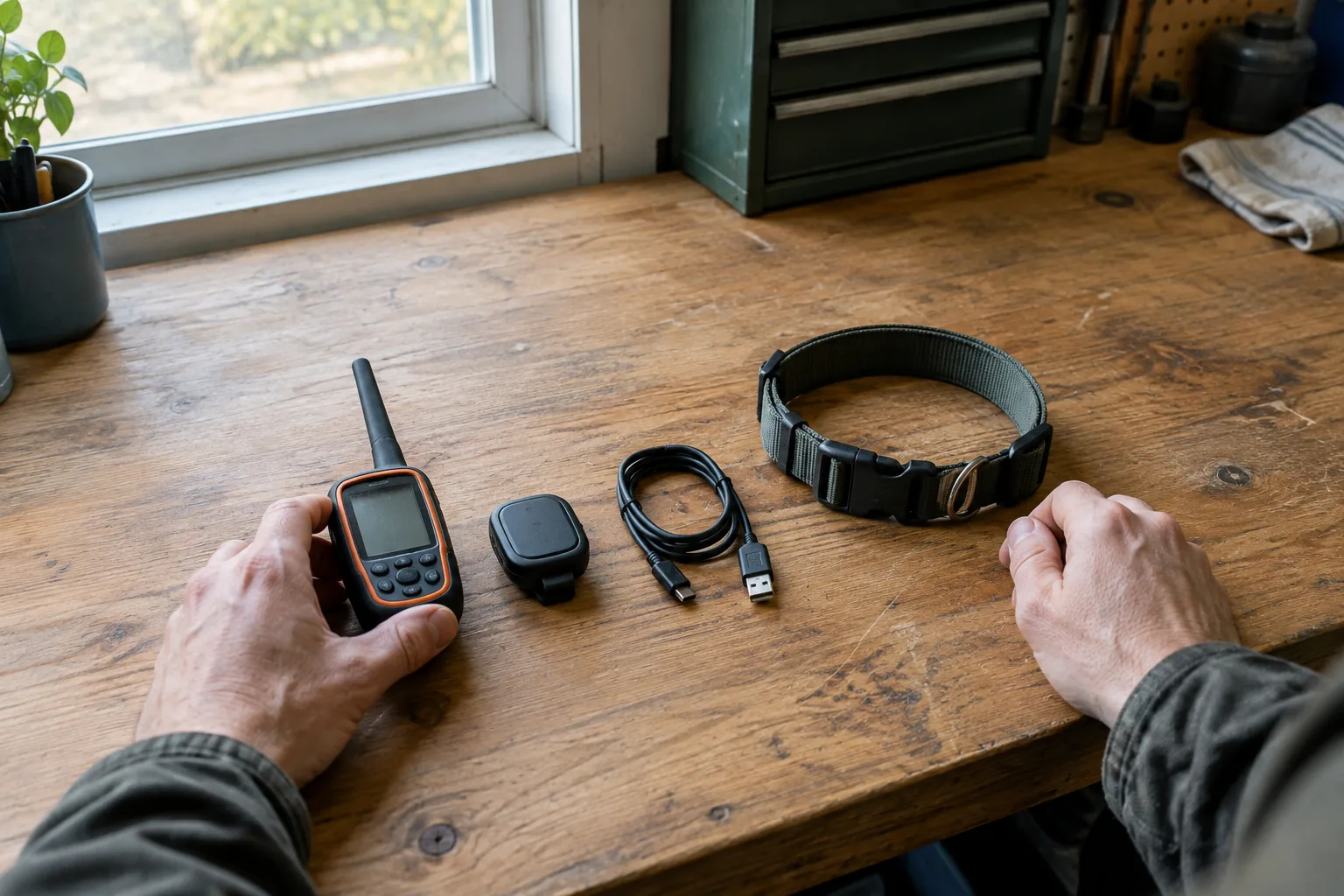
GPS and shock dog collar comparison: combo vs separate
Exact numbers vary by model, so this table compares how each setup behaves rather than quoting specs. Check the spec sheet of any unit you consider for its stated range, battery life and weight.
| Factor | Combo unit | Two separate devices |
|---|---|---|
| Range | Usually one radio link handles both tracking and cues, so one range figure applies to everything. Terrain and tree cover change what you get in practice. | A cellular tracker depends on coverage where you walk, while a remote has its own range. Each is checked separately. |
| Battery | One battery to charge, but one dead battery switches off both functions. | Two batteries and two cables. One can run flat while the other keeps working. |
| Weight on the neck | One larger housing. Check the stated weight against your dog's size. | Two smaller pieces. Add the figures together and compare the total. |
| Fit | One strap to adjust. Contact points and tracker sit together. | The tracker clips to an existing collar, so you adjust only the training receiver. |
| Flexibility | Locked to one brand's remote, tracker and features. | Replace, upgrade or skip either piece on its own. |
| Multiple dogs | Depends on how many dogs the handheld supports. | Handset pairing and tracker accounts are handled separately. |
Read the weight row twice. Two small devices together can weigh more or less than one combo. Only the stated figures settle it.
How to choose in five steps
- Name the real job. Is it recall in open country, off-leash hikes, hunting, or yard boundaries? A tracker shows where your dog is. A training collar gives you a way to cue your dog.
- Decide what kind of cue you want. Tone and vibration are a different approach from static stimulation, and some owners start with tone or vibration and stay with them. If you are unsure, ask a qualified trainer or a veterinarian.
- Check the dog's size and neck. Compare the stated weight and strap length with your dog. Small dogs and dogs with thin necks call for extra attention to bulk.
- Map your routes against cell coverage if you are considering a cellular tracker. Walk your usual trails with a phone and note where signal drops.
- Count your chargers and plan for failure. Decide whether you will remember to charge one device or two before every outing. If a combo fails mid-trip, you lose tracking and training together; with two devices, you keep one.
Field note
Put the handheld, tracker and receiver on a charging routine the night before every outing. An uncharged device is an easy reason for a setup to fail in the field.
A two-device setup from our shelves
We do not stock a combo unit. We stock two separate devices that each cover one job, and they suit owners who prefer to choose each piece. Both are used on outdoor walks, in parks and on trails.
Tracking: VaultPaw
VaultPaw is a clip-on GPS device that attaches to your dog's existing collar. It has a pre-installed SIM card for cellular connection and works with a phone app. In the app you see live location, draw a boundary on the map and read activity logs. Because it uses cellular, location depends on coverage where you walk, from city parks to trails.
While your dog stays inside the boundary, it runs in a low-power mode. If your dog leaves, it sends a push alert to your phone, switches to cellular GPS tracking and returns to low power when the dog is back. The box includes a protective carrying case, a magnetic USB charging cable and a quick-start manual.
 In this guideVaultPaw$129.99View
Training: PawSignal
PawSignal is a dog training collar with a handheld remote and a receiver on the collar. It sends tone or vibration cues across 100 levels, so you can pair a cue with a command your dog already knows. You start at the lowest level and step up one at a time until you see a small head turn or ear flick, then stop the cue as soon as your dog responds.
One handset works with a setup of three dogs. The receiver collar uses soft TPU with silicone-cushioned contact points and an adjustable belt, and the product is designed for dogs weighing 4 to 120 lbs. An LED flashlight and a reflective strip are built in for evening walks. Keep the charging port cover closed firmly near water, mud or rain.
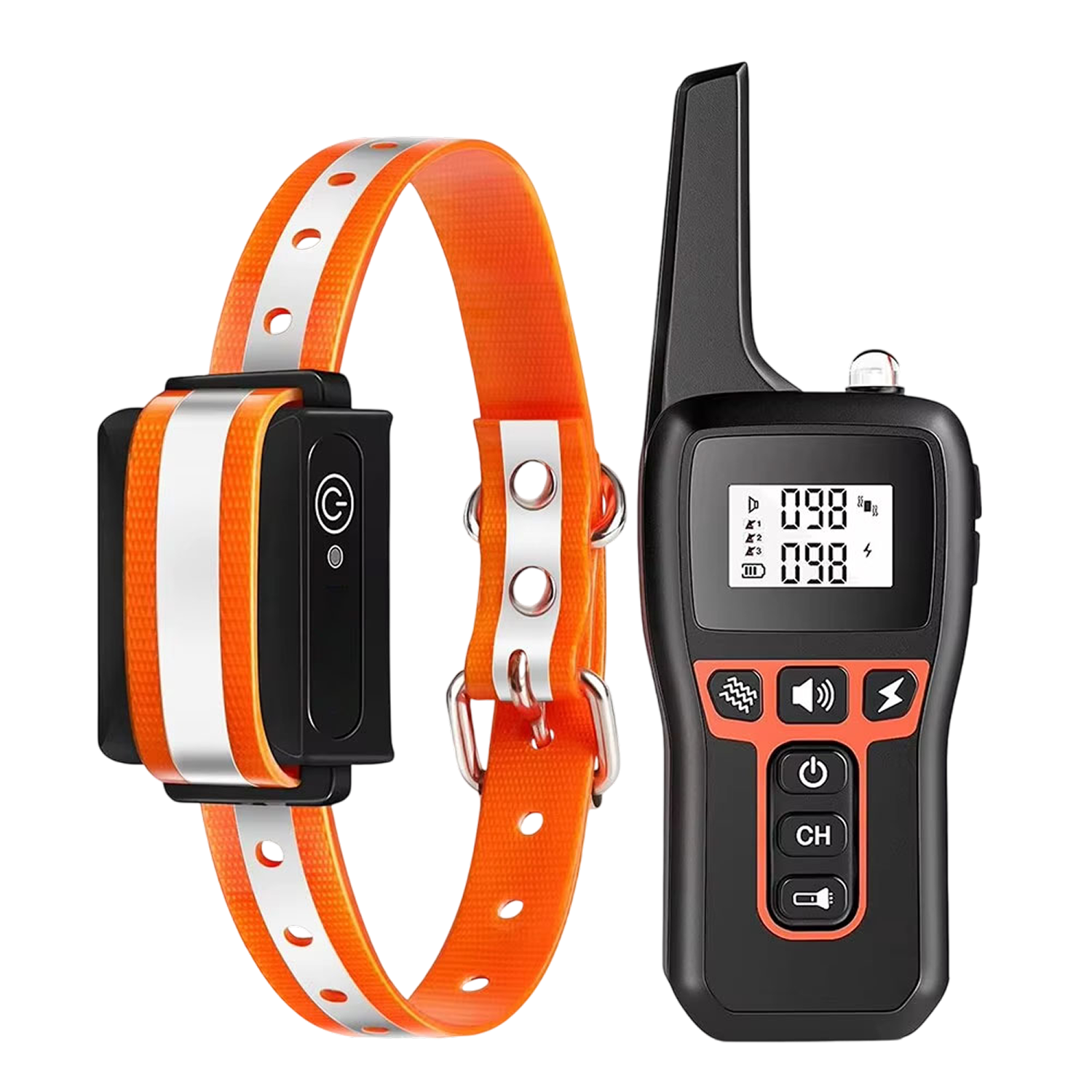 In this guidePawSignal$99.99View
Browse more gear in our Training, Behavior & Play collection.
Fit and charging checklist
| Check | What to do |
|---|---|
| Neck fit | Adjust so the strap sits snugly without pinching. Follow the manual for how many fingers should fit beneath it. |
| Contact points | Check the skin on the neck after each outing. Rotate position and remove the receiver when it is not in use. |
| Charging | Charge every device before each trip. Keep spare cables in the bag. |
| Water and mud | Close port covers firmly and follow each manual's care instructions. |
| Boundary and pairing | Set your map boundary and pair the remote at home, not at the trailhead. |
| Night use | Use a reflective strip or light so you can see your dog. |

Common mistakes to avoid
- Buying tracking to fix training. A tracker tells you where your dog went. It does not teach recall.
- Skipping the introduction phase. Introduce any remote collar slowly. Our step-by-step remote collar introduction plan covers the sequence.
- Starting high. Begin at the lowest level and move up one step at a time.
- Leaving the receiver on for long stretches. Remove it when you are not training.
- Ignoring coverage. A cellular tracker needs signal, so check it along your usual routes.
- Relying on one gadget. No device replaces supervision, a leash where required and solid basic training.
Which setup fits which owner
A combo GPS and shock dog collar suits owners who run dogs in the field and want one handheld for everything. Separate devices suit owners who want tracking on a dog that needs no training receiver, a tone or vibration cue style, or the freedom to replace one part.
If you are new to remote collars, start with tone or vibration, add a tracker for off-leash areas, and talk to a trainer or veterinarian about anything you are unsure of.