NovaPaw Cat Tracker: Setup, Daily Use and Care
The NovaPaw cat tracker clips onto a collar, pairs with a smartphone app and charges over USB Type-C. This guide covers setup, daily use and care.
The Millbrook Team
November 21, 2026 · 7 min read
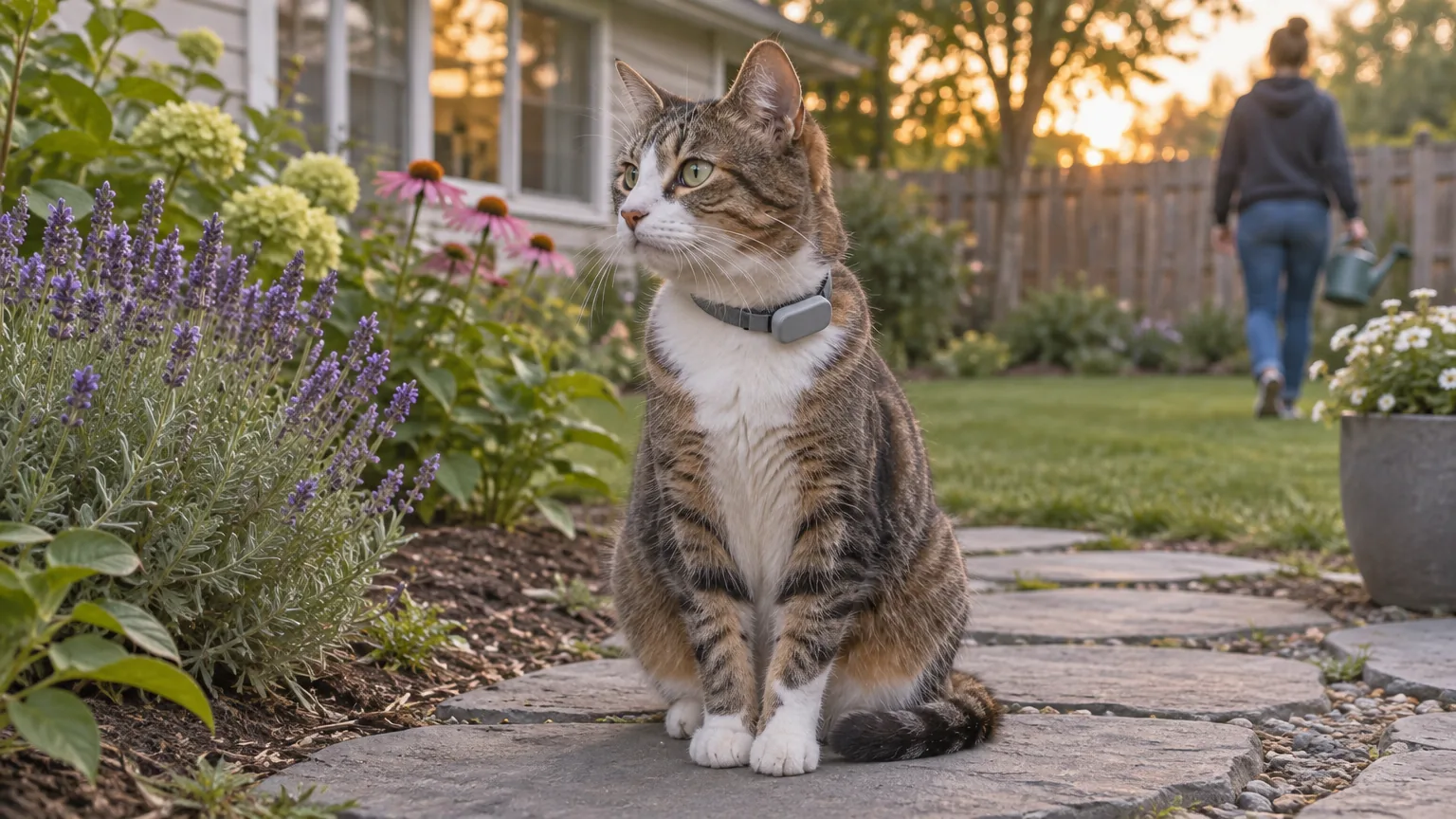
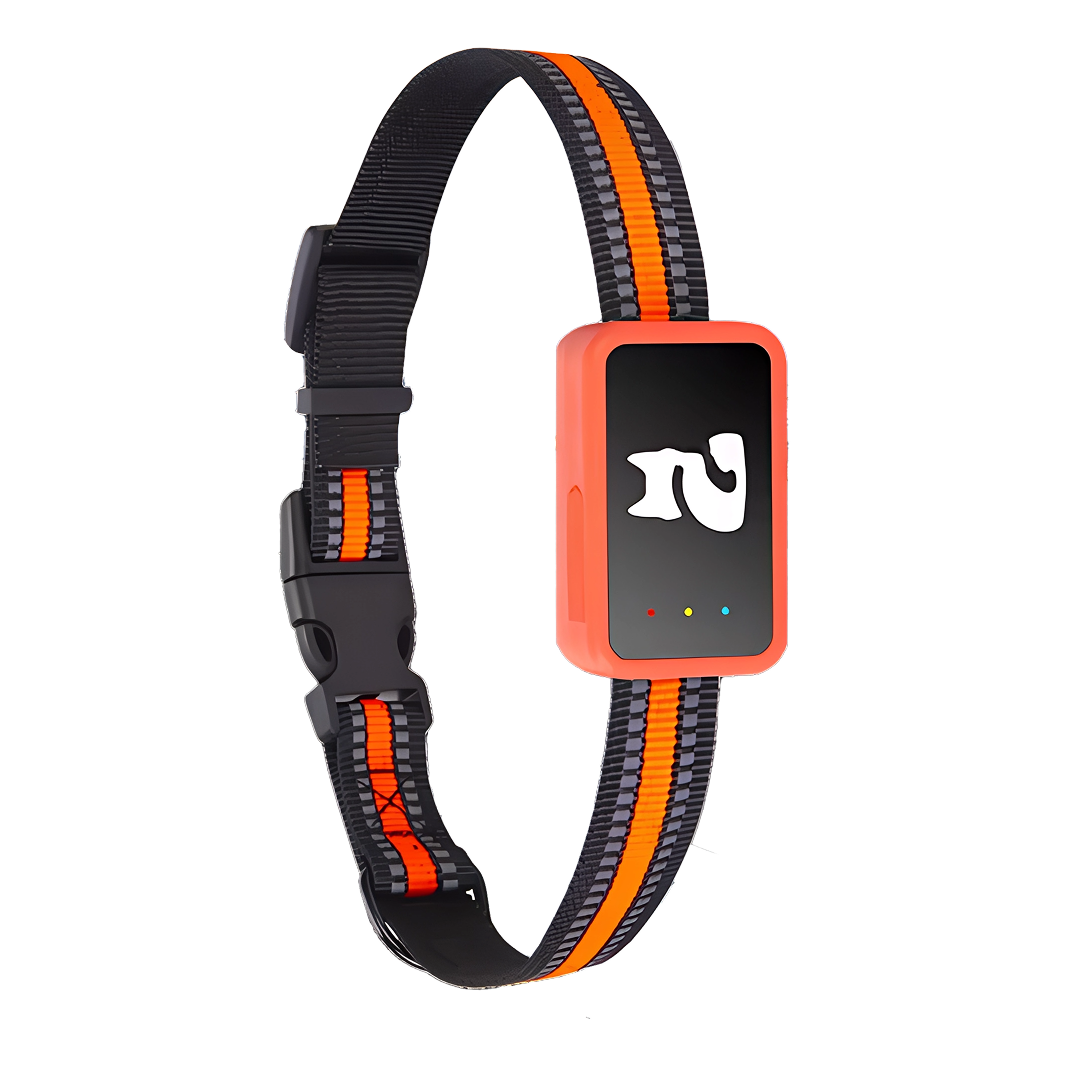
The NovaPaw cat tracker is a 27g cat GPS tracker that clips onto a collar and pairs with an app on your smartphone. You power it on, pair it, draw a geo-fence boundary around your home and check the app for location, route history and activity records. This guide walks through each step, explains the power modes and lists a simple care routine.
Where the product page does not cover a detail, the advice below is marked as general practice for this type of device. For anything about your exact unit, follow the user manual.
What comes in the box
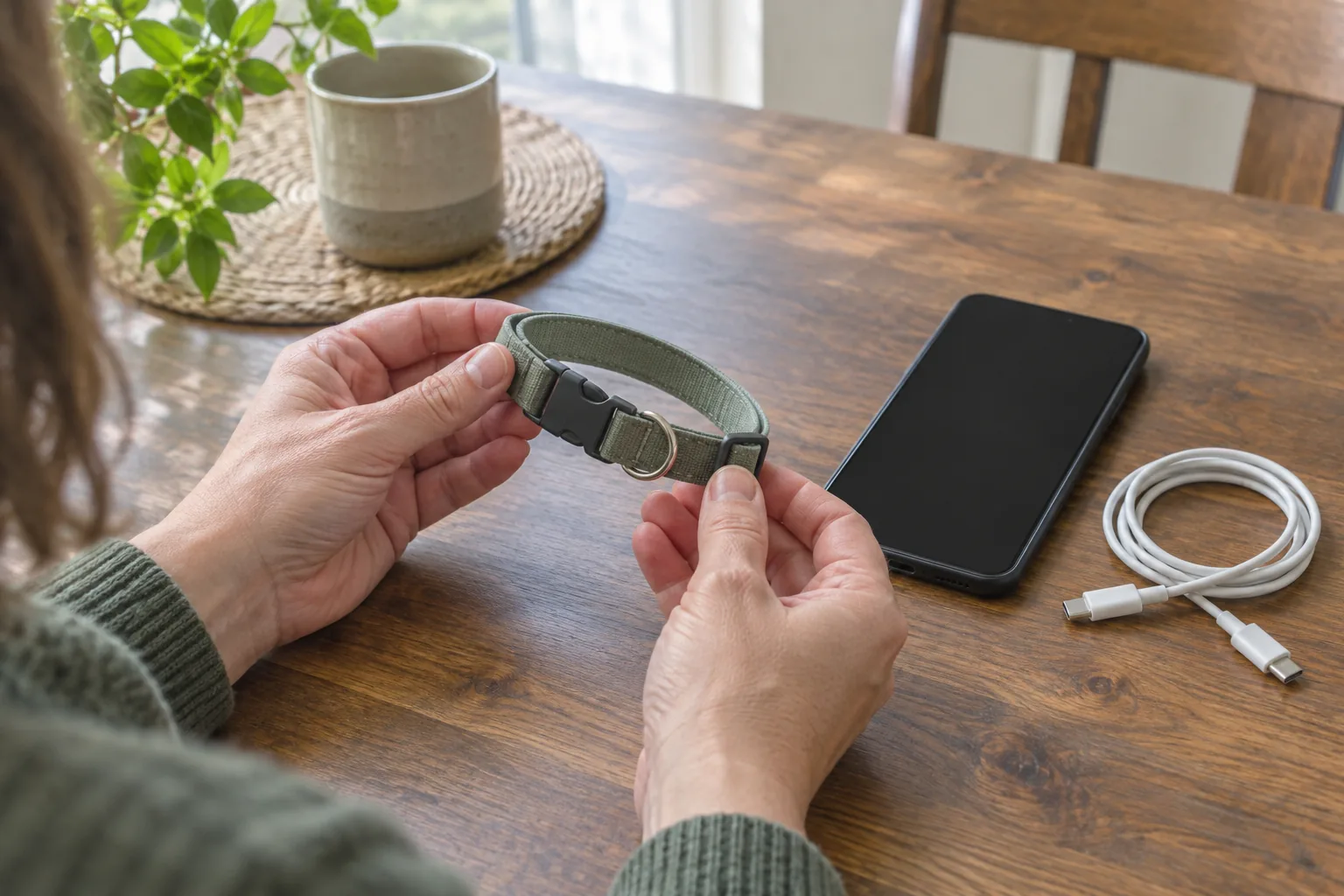
The package lists four items: the NovaPaw GPS Tracker (27g), an Adjustable Pet Collar, one USB Type-C charging cable and one user manual. Keep the manual somewhere you can find it, because it is the reference for powering on, pairing and charging your unit.
The tracker uses multi-system positioning: GPS, BDS, AGPS, Wi-Fi and LBS. Satellite and network signals are both used to place your cat on the map, in a city apartment or in a rural area.
How to set up the NovaPaw cat tracker
Set aside a calm spot indoors, with your phone and the cable nearby. Work through these steps in order.
- Charge the tracker with the included USB Type-C cable. Follow the manual for charging, and unplug the cable before you handle the tracker's port.
- Install the companion app on your smartphone. If the app asks you to sign up, follow its screens.
- Power on the tracker and pair it with the app, following the pairing screens and the manual.
- Open the in-app map and draw a custom boundary around your home.
- Confirm the live map shows a location, then check that push alerts are switched on in the app and in your phone settings.
- Clip the tracker onto your cat's collar.
Pair the tracker and set the boundary before it goes on your cat. That way you can work through any app screen while the collar is still on the table.
 In this guideNovaPaw$119.99View
Fitting the collar
The tracker clips onto a collar, and the box includes an adjustable pet collar. Adjust the collar following the manual, and check the fit each time you put it on. A general check is that you can slide two fingers under the collar, but follow the manual for your unit.
As general practice, some cat owners choose a breakaway collar for a cat that goes outdoors. Check the manual for what your collar is designed to do, and ask your veterinarian if you are unsure which style suits your cat.
Place the tracker so it hangs where it is unlikely to catch on furniture or fencing. If your cat also wears a camera or another attachment, read our guide to fitting a camera on a cat collar for what to check about added weight and placement.
Introduce the collar indoors first and watch how your cat moves with it on. If you have questions about your cat wearing a collar, ask your veterinarian.
Positioning and power modes
The tracker combines several signal types in one device. The table shows what each feature is for, as described on the product page.
| Feature | What it does |
|---|---|
| GPS, BDS, AGPS | Satellite and network signals are used to place your cat on the map |
| Wi-Fi and LBS | Network positioning, combined with the other signals in one device |
| Wi-Fi low-power mode | Used when your cat is at home |
| Full GPS | Used when your cat roams |
| Geo-fence | A boundary you draw around your home, with push alerts in the app |
| USB Type-C charging | Charges the battery with the included cable |
According to the product page, the tracker switches to Wi-Fi low-power mode at home and uses full GPS when your cat roams. The product page does not describe a manual switch or how the app shows the current mode, so check the manual if you want to know which mode your unit is in.
The product page gives no battery figure, so check the manual for charging guidance and for how to tell when the tracker needs charging. Charge the tracker when needed, using the included USB Type-C cable.
Using the app day to day
The app is where you see the tracker's information. It shows the live map, keeps route history and receives your alerts.
Geo-fence alerts
Draw the boundary around your home on the in-app map. When your cat crosses it, the app sends a push alert and shows live map updates. Leave some room around the house and garden, so ordinary movement near the edge does not set off alerts you did not intend.
Route history and activity records
Open the route history to see where your cat went. NovaPaw also logs daily steps, distance, active time and sleep patterns, and you read these records in your app history alongside the routes.
If you are weighing up how cat trackers differ in running costs, our guide to a cat GPS tracker with no subscription explains what you give up and gain with that kind of model. For your own unit, check the product page and manual.
A short daily check
- Open the app and confirm the tracker shows a recent location.
- Charge the tracker when needed, following the manual.
- Look at the clip and collar before your cat goes out.
- Confirm that push alerts still appear on your phone.
Checklist before the first outing
Run through this list at home before your cat goes outside with the tracker for the first time. It is general practice for any clip-on tracker, so follow the manual where it differs.
| Check | Where |
|---|---|
| Tracker is charged and powered on | Tracker and app |
| Tracker is paired and shows a location | Live map |
| Boundary is drawn around the home | In-app map |
| Push alerts are switched on | App and phone settings |
| Clip is closed and collar fit is checked | Collar |
| Manual is within reach | Home |
The alert depends on where the tracker is, not where your phone is. As general practice, carry the powered-on, paired tracker across the boundary line yourself, or ask another adult to, while you watch the phone for the push alert. Do this before the tracker goes on your cat, and follow the manual for your unit.
If nothing arrives, review the notification permissions in the app and on the phone before relying on the alert.
Care routine for the tracker and cable
The product page does not list a cleaning schedule, so the steps below are general practice for small clip-on electronic devices. Follow the manual where it differs.
| When | Step |
|---|---|
| Each time you charge | Unplug the cable, then look at the charging port for dirt or moisture |
| Weekly | Wipe the tracker with a dry, soft cloth and check the clip |
| Weekly | Check the collar for fraying, a loose buckle or stretched holes |
| When storing | Keep the tracker and cable together with the manual |
Do not use harsh cleaners on the casing. The manual lists what the NovaPaw cat tracker can be exposed to, so check it before wiping with anything damp. Dry the tracker fully before charging.
If the cable or port looks damaged, do not use it and contact the store.
Field note
Make checking the tracker and charging it when needed part of your routine, following the manual.
Troubleshooting checklist
These are general checks for app-connected trackers. The manual is the reference for your unit.
| Problem | Check |
|---|---|
| No location on the map | Confirm the tracker is powered on and charged, and that the app has location permission |
| No push alerts | Check notification settings in the app and on the phone |
| Tracker does not charge | Inspect the cable and port, dry the port, then follow the manual |
| Pairing fails | Repeat the pairing steps near the phone, following the manual |
After changing phones
As general practice, install the app on the new phone, pair the tracker again by following the manual, and redraw or confirm the boundary on the map. Then switch on notification and location permissions on the new phone and repeat the boundary check from the checklist above.
If a problem remains after these checks, contact the store with the details from your manual.
Common setup mistakes
- Skipping the push alert settings on the phone, so geo-fence alerts do not appear.
- Drawing the boundary so tightly that normal movement near the house triggers alerts.
- Fitting the tracker before pairing it, then working through app screens beside the cat.
- Forgetting to check the collar fit after adjusting it.
- Leaving the manual out of reach when you need the powering on, pairing or charging steps.
Browse Trackers & Travel Carriers for related gear, and keep your phone's location and notification permissions switched on for the app. Revisit this setup list whenever you change phones or reinstall the app, since the NovaPaw tracker pairs with the app on your smartphone.